Onboarding | Project Phases | Best Practices | Glossary of Key Terms
Enable 2-Step Verification
To set up 2-Step Verification in Go Daddy, follow these steps:
Log into Go Daddy with an admin account.
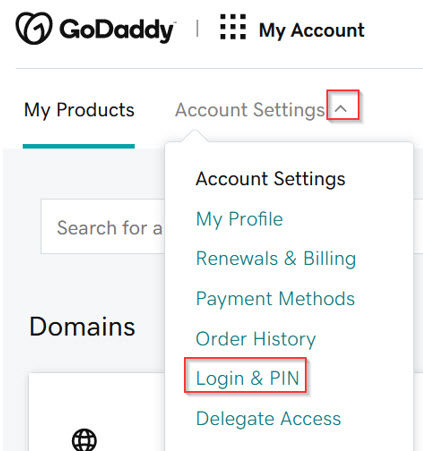
Click the arrow next to Account Settings to expand the menu.
Select Login & PIN.

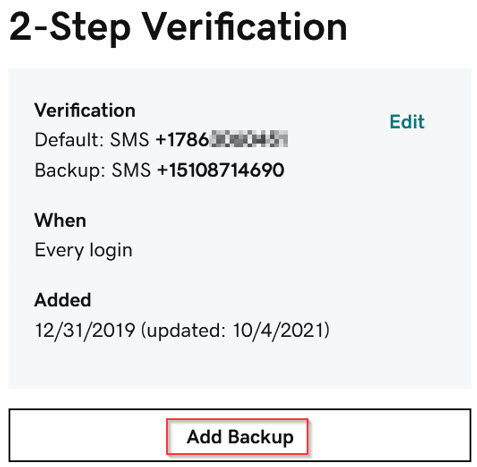
Scroll down to the 2-Step Verification section.
Click Add Backup.
Note: if no recovery number is currently set, this screen will display as Add Verification
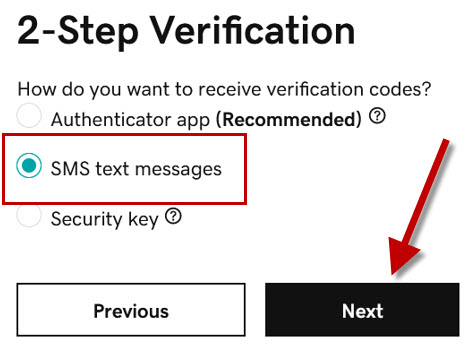
Select SMS Text Messages.
Click Next.
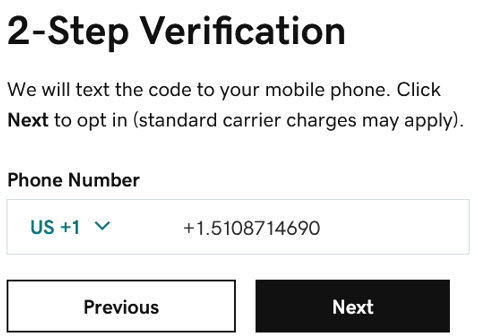
Enter Transend’s recovery phone number: 510-871-4690
Click Next
Enter the verification code that you received in an email and click next.
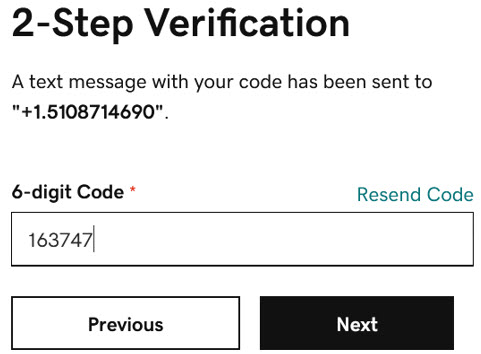
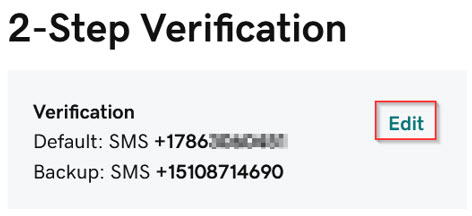
The Transend phone number now appears as the backup number.
Click Edit to change it to the primary number.
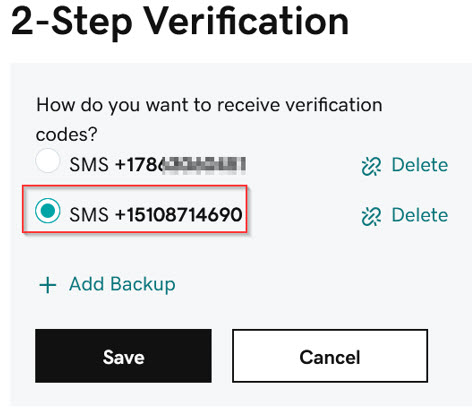
Select the Transend phone number and click Save.
IMPORTANT! Do not delete any phone numbers.
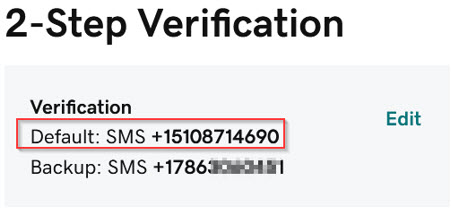
The Transend phone number now appears as the primary number.
 Microsoft OneDrive