Home / Product Setup & Usage / Installation
Installation of Transend Migration Console
Installation of Transend Migration Console can be completed in less than 5 minutes. To install Transend Migration Console, run the install file provided to you.
- Double-click and run the install file.
- Select Save File
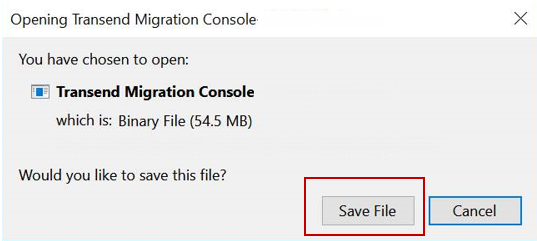

- Click the downloads folder in your directory and select Transend Migration Console.exe
- Read the installation notice and click Install
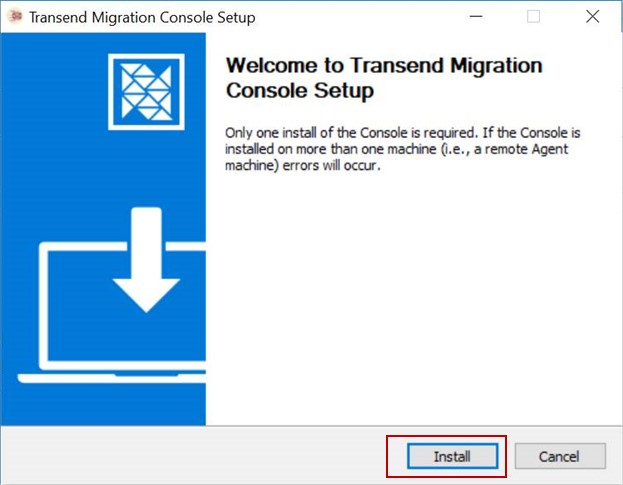
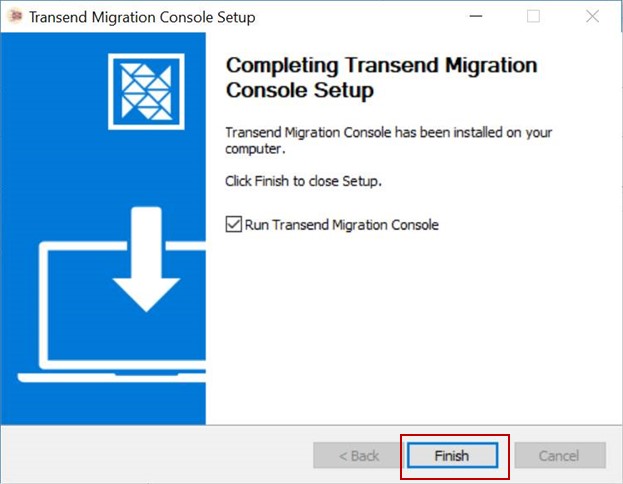
- Once installation has completed, click Finish.
Important
- Only a single install of Transend Migration Console is required. If the Console is installed on more than one machine, errors will occur.
- To scale your migration across multiple machines, install the Transend Remote Agent on Remote Machines.
Re-install Transend Migration Console
If you previously installed v2.x (or earlier) of Transend Migration Console and need to upgrade to v3.x, follow the step-by-step directions to properly uninstall software and clear directories so you don’t experience errors.
 Microsoft OneDrive