Home / Product Setup & Usage / Reporting
View Reports
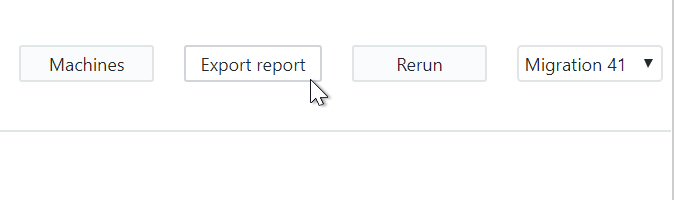
At the top of both the Migration Results and User Results screens, notice the Export Report button. When clicked, this will generate a summary of statistics from the migration and export it to a CSV file.
The CSV file may be opened in a spreadsheet application in order to view and aggregate the data further, as needed.
The report includes information such as the number of items migrated, duration of the migration and the data rate that was realized.
 Microsoft OneDrive